



致远OA待办消息接口说明.doc
免费下载
消息待办集成方案
文档编写人: 刘国强
定稿日期:
2020-5-30
1
综述
该接口为
OA
与其他系统对接接口。该接口采用
rest
方式开发,由我方部署接口至
OA
服
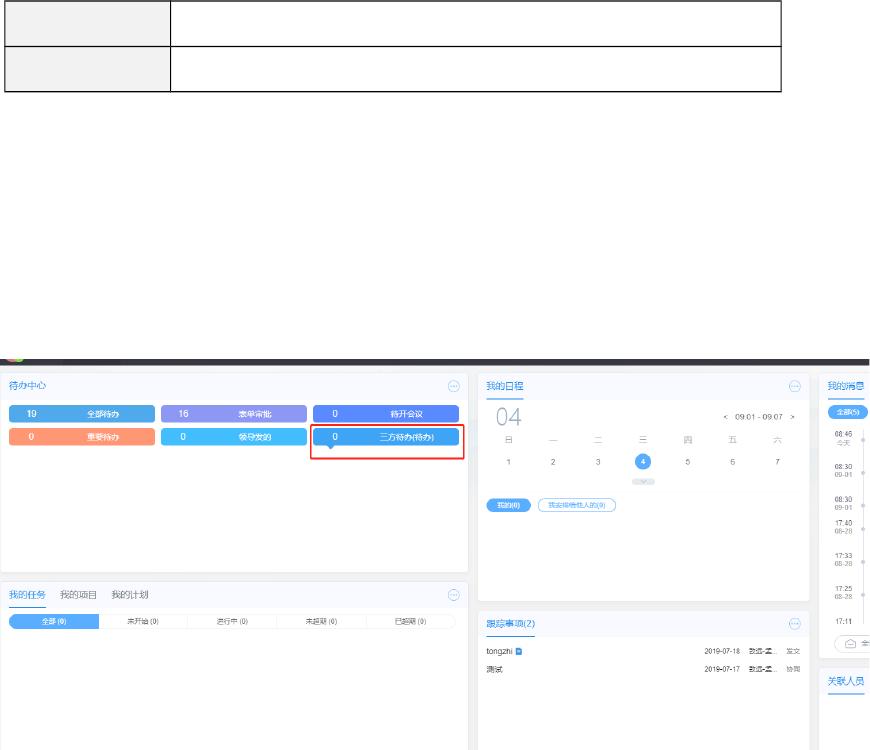
务器,第三方系统调用接口将待办信息按照我方提供的架构信息传递数据保存至我方待办系统
当中,待办列表信息统一展示到
OA
门户中。可以设置多个三方待办独立展示,也可以一个待
办显示多个系统对于个人的待办展示。
2
认证接口
在调用待办和消息接口之前,需要先进行身份认证获取
token
。
2.1
接口地址
Post
接口:
http://ip:port/seeyon/rest/token
Get
接口:
http://ip:port/seeyon/rest/token/{userName}/{password}
其中,
ip
和
port
由实施提供。
http://ip:port/seeyon/rest/token/rest2/507bde9c-861c-48f1-be43-2fc19d21a8a0
2.2
接口参数
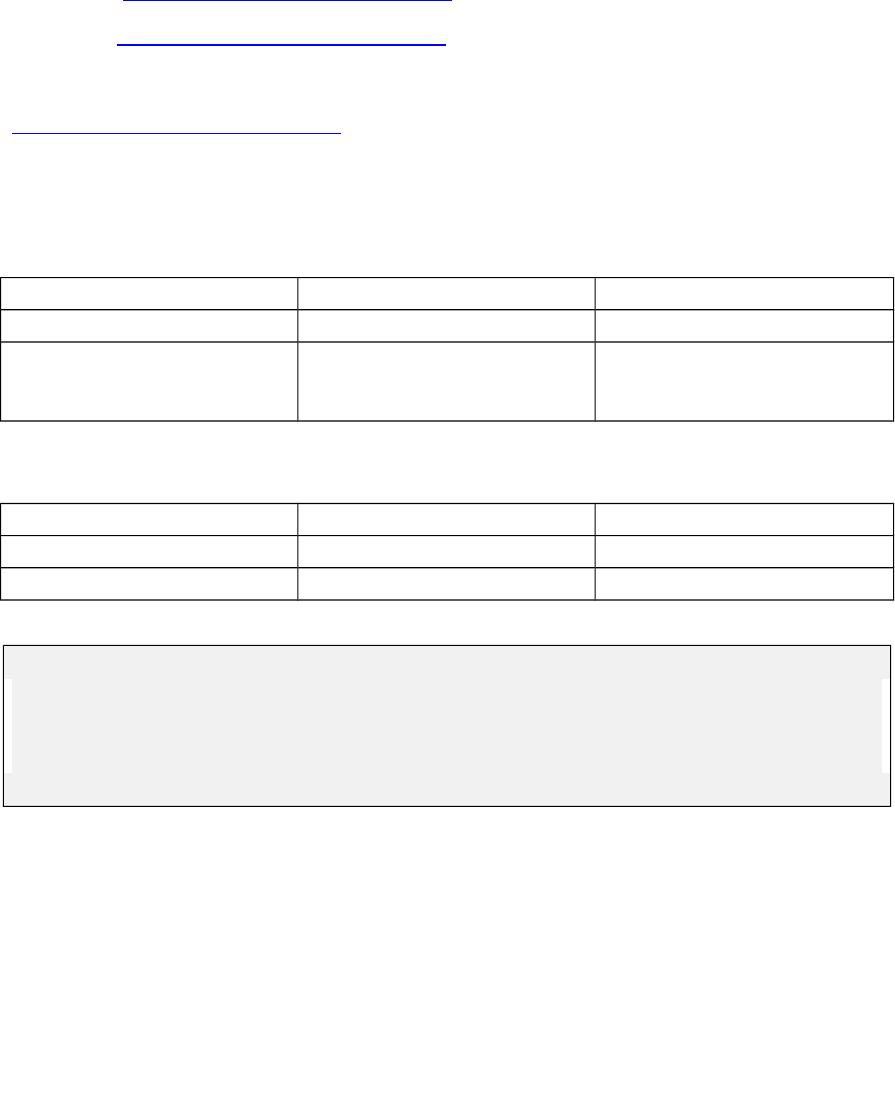
参数名 说明 备注
userName
用户名
rest2
password
密码
507bde9c-861c-48f1-
be43-2fc19d21a8a0
2.3
返回参数
参数名 说明 备注
bindingUser
绑定的用户名 无需使用
id Token
值 保存下来调用后续的接口
示例:
{
"bindingUser" : null,
"id" : "7810fc65-2943-42ea-b2e0-ae823aae832c"
}
3
3.1 1.1. 3.1
用户绑定
3.1.1
推送
REST
认证地址:
/seeyon/rest/token/{username}/{password}
可绑定多个用户推送接口地址
:/seeyon/rest/thirdpartyUserMapper/binding
of 11
免费下载
【版权声明】本文为墨天轮用户原创内容,转载时必须标注文档的来源(墨天轮),文档链接,文档作者等基本信息,否则作者和墨天轮有权追究责任。如果您发现墨天轮中有涉嫌抄袭或者侵权的内容,欢迎发送邮件至:contact@modb.pro进行举报,并提供相关证据,一经查实,墨天轮将立刻删除相关内容。
下载排行榜

评论