



oracle_RAC在HP-UX下安装.pdf
5墨值下载

Oracle Database 11g Release 1
Real Application Clusters
on HP-UX Installation Cookbook
This document is based on our experiences, it is not an official HP/Oracle documentation. We're constantly updating
this installation cookbook, therefore please check for the latest version of this cookbook on our HP/Oracle CTC web
page at
https://www.hporaclectc.com/cug/assets/11gRAChp.htm (pdf version).
If you have any comments or suggestions, please send us an email
with your feedback! In case of issues during your
installation, please also report this problem to HP and/or Oracle support.
Contents:
1. Aim of this document
This document is intended to provide help installing Oracle Real Application Clusters 11g Release 1 on
HP servers running HP-UX operating system. This paper covers both Integrity and PA-RISC platform,
HP-UX 11.31 as well as 11.23.
All information here is based on practical experiences, and should be used in conjunction with the official
Authors: Rebecca Schlecht (HP), Rainer Marekwia (Oracle)
EMEA HP/Oracle Cooperative Technology Center (CTC)
http://www.hporaclectc.com
Date: 2nd May 2008
1. Aim of this document
2. Oracle RAC Components Overview
3. Supported Configurations with RAC11g on HP-UX
4. General System Installation Requirements
4.1 Hardware Requirements
4.2 Network Requirements
4.3 Required HP-UX Patches
4.4 Kernel Parameter Settings
5. Create the Oracle User
6. Oracle RAC 11g Cluster Preparation Steps
6.1 RAC 11g with ASM over SLVM
6.2 RAC 11g with RAW over SLVM
6.3 RAC 11g with ASM over RAW (with or without
SG/SGeRAC)
7. Preparation for Oracle Software Installation
7.1 Prepare HP-UX Systems for Oracle software
installation
7.2 Check Cluster Configuration with Cluster Verification
Utility
8. Install Oracle Clusterware
9. Installation & Creation of Oracle Database RAC11g
10. Implementation of SG Packages Framework for RAC
11. Tips & Tricks
12. Known Issues & Bug Fixes
Page
1
of
46
HP/Oracle CTC RAC11g R1 on HP
-
UX cookbook
Oracle on HP-UX installation guides:
http://www.oracle.com/pls/db111/portal.portal_db?selected=11&frame=#hp-ux_installation_guides
This cookbook does also include material from HP Serviceguard white papers written by HP's Availability
Clusters Solutions Labs (ACSL) which are available externally at http://docs.hp.com/en/ha.html (click on
Serviceguard Extension for RAC), and HP internally at
http://haweb.cup.hp.com/ATC/Web/Whitepapers/default.htm.
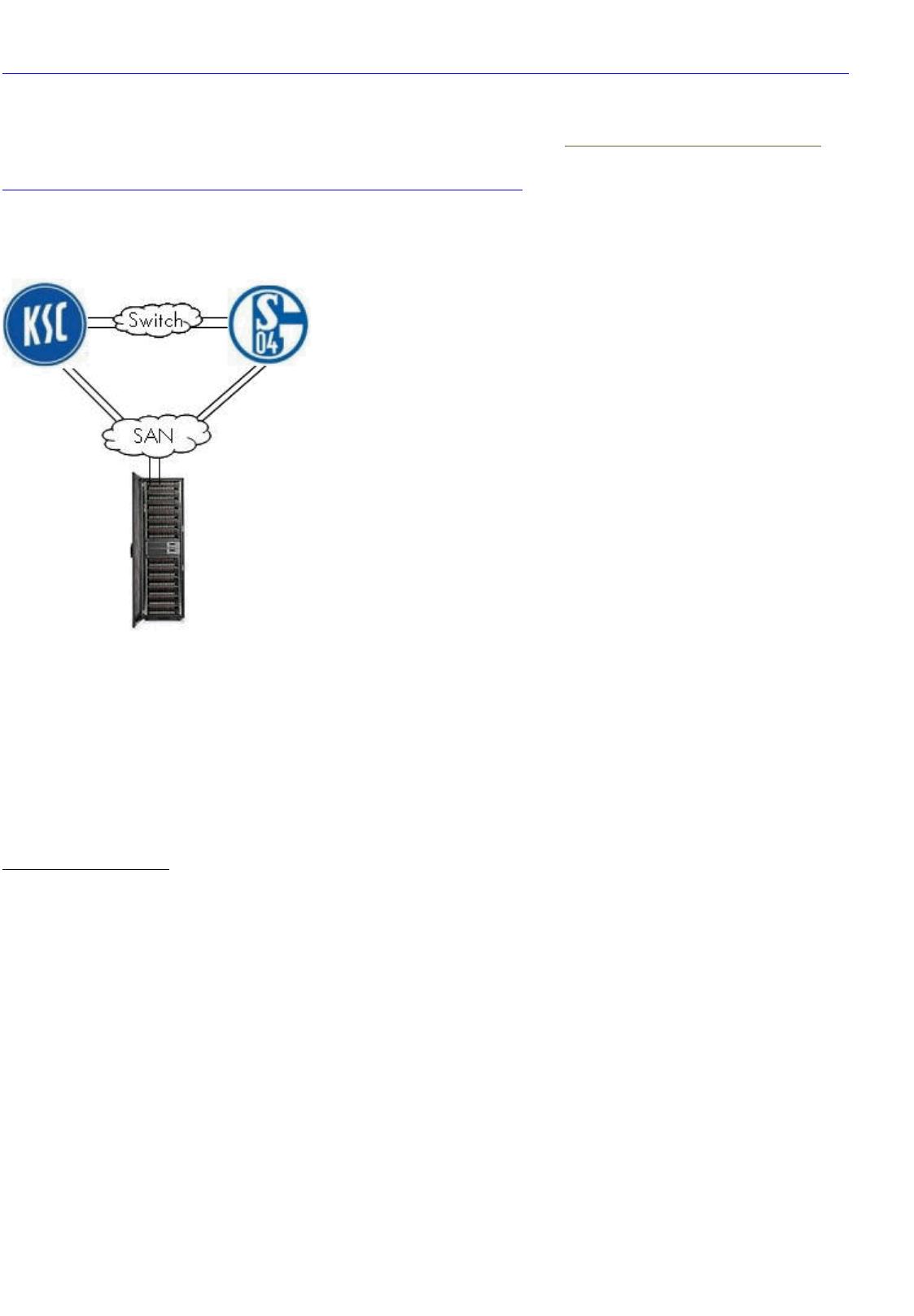
Within this cookbook, all scenarios are based on a 2 node cluster - node1 referred to as 'ksc' and node2
as 'schalke'.
In this paper, we use the following logic:
ksc# <command> = command needs to be issued as root from node ksc
schalke$ <command>
= command needs to be issued as oracle from node schalke
ksc/schalke# <command>
= command needs to be issued as root from both nodes ksc + schalke and
so on.
2. Oracle RAC Components Overview
Oracle Clusterware
Starting with RAC 10g, Oracle includes its own Clusterware and package management
solution with the database product. The Oracle Clusterware consists of
l
Oracle Cluster Synchronization Services (CSS) to provide cluster management
functionality
l
Oracle Cluster Ready Services (CRS) support services and workload management and
help to maintain the continuous availability of the services. CRS also manages
resources such as the virtual IP (VIP) address for the node and the global services
daemon.
l
Event Management (EVM) publishes events generated by CRS
This Oracle Clusterware is available on all various Oracle RAC platforms and based on the
HP TruCluster product which Oracle licensed a couple of years ago.
Customers can now deploy Oracle RAC clusters without any additional 3rd party clusterware
products such as SG/SGeRAC. However, customers might want to continue to use
SG/SGeRAC for the cluster management (e.g. to make your complete cluster high available
Page
2
of
46
HP/Oracle CTC RAC11g R1 on HP
-
UX cookbook
of 46
5墨值下载
【版权声明】本文为墨天轮用户原创内容,转载时必须标注文档的来源(墨天轮),文档链接,文档作者等基本信息,否则作者和墨天轮有权追究责任。如果您发现墨天轮中有涉嫌抄袭或者侵权的内容,欢迎发送邮件至:contact@modb.pro进行举报,并提供相关证据,一经查实,墨天轮将立刻删除相关内容。
下载排行榜

评论