



ODA Workshop Manual 12.2.1.2-v7.pdf
10墨值下载
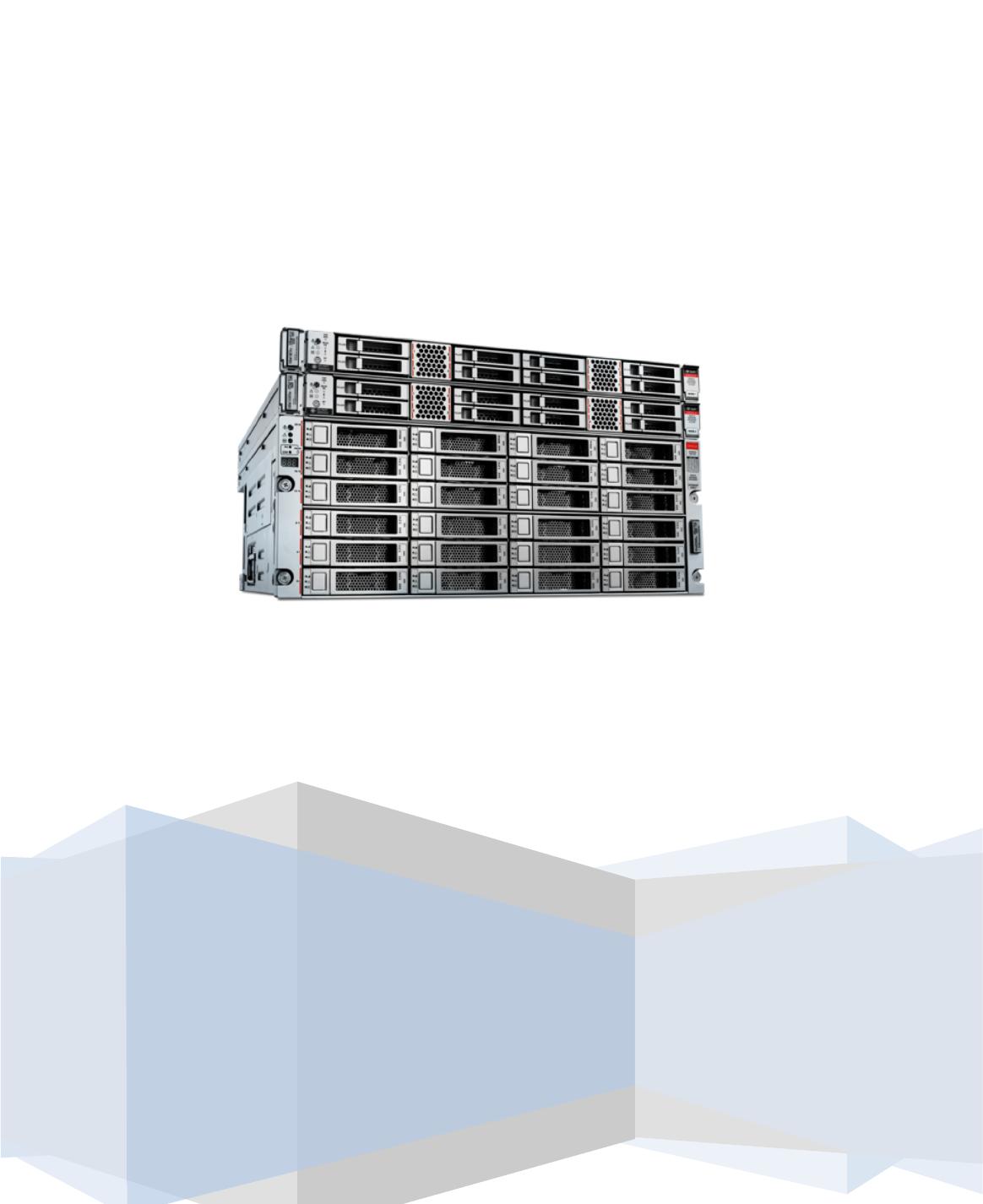
Oracle Database Appliance
X7-2-HA Hands-on Lab Manual
Rev 12.2.1.2v7
Oracle Corporation

2
Contents'
ODA X7-2-HA Simulator Labs ............................................................................................. 3!
Connecting to the ODA Lab Environment .......................................................................... 3!
Simulator Labs Overview ................................................................................................. 4!
Lab 1: Deploy Appliance ................................................................................................ 5!
Step 1: Put the ODA on the Network ........................................................................... 5!
Step 2: Update the Repository with the ODA Software .................................................. 6!
Step 3: Deploy the Appliance ...................................................................................... 9!
Step 4: Validate the Deployment ............................................................................... 13!
Lab 2: Manage Databases ............................................................................................ 14!
Step 1: Create a new database via the Web GUI ........................................................ 14!
Step 2: Delete a Database ........................................................................................ 16!
Step 3: View the Databases and Homes via the CLI .................................................... 17!
Step 4: Create a New Database with the CLI .............................................................. 18!
Step 5: Delete and Recreate a Database .................................................................... 19!
Step 6: Delete a Database Home ............................................................................... 20!
Lab 3: Patch and Update ............................................................................................. 21!
Step 1: Update the ODA Repository with Latest Patches .............................................. 22!
Step 2: Update the DCS Agent .................................................................................. 23!
Step 3: Update the server ......................................................................................... 25!
Step 4: Patch Database Homes ................................................................................. 29!
Lab 4: Administration .................................................................................................. 32!
Step 1: Review Appliance Configuration ..................................................................... 33!
Step 2: Review the Storage Configuration .................................................................. 35!
'
of 38
10墨值下载
【版权声明】本文为墨天轮用户原创内容,转载时必须标注文档的来源(墨天轮),文档链接,文档作者等基本信息,否则作者和墨天轮有权追究责任。如果您发现墨天轮中有涉嫌抄袭或者侵权的内容,欢迎发送邮件至:contact@modb.pro进行举报,并提供相关证据,一经查实,墨天轮将立刻删除相关内容。
下载排行榜

文档被以下合辑收录
评论