

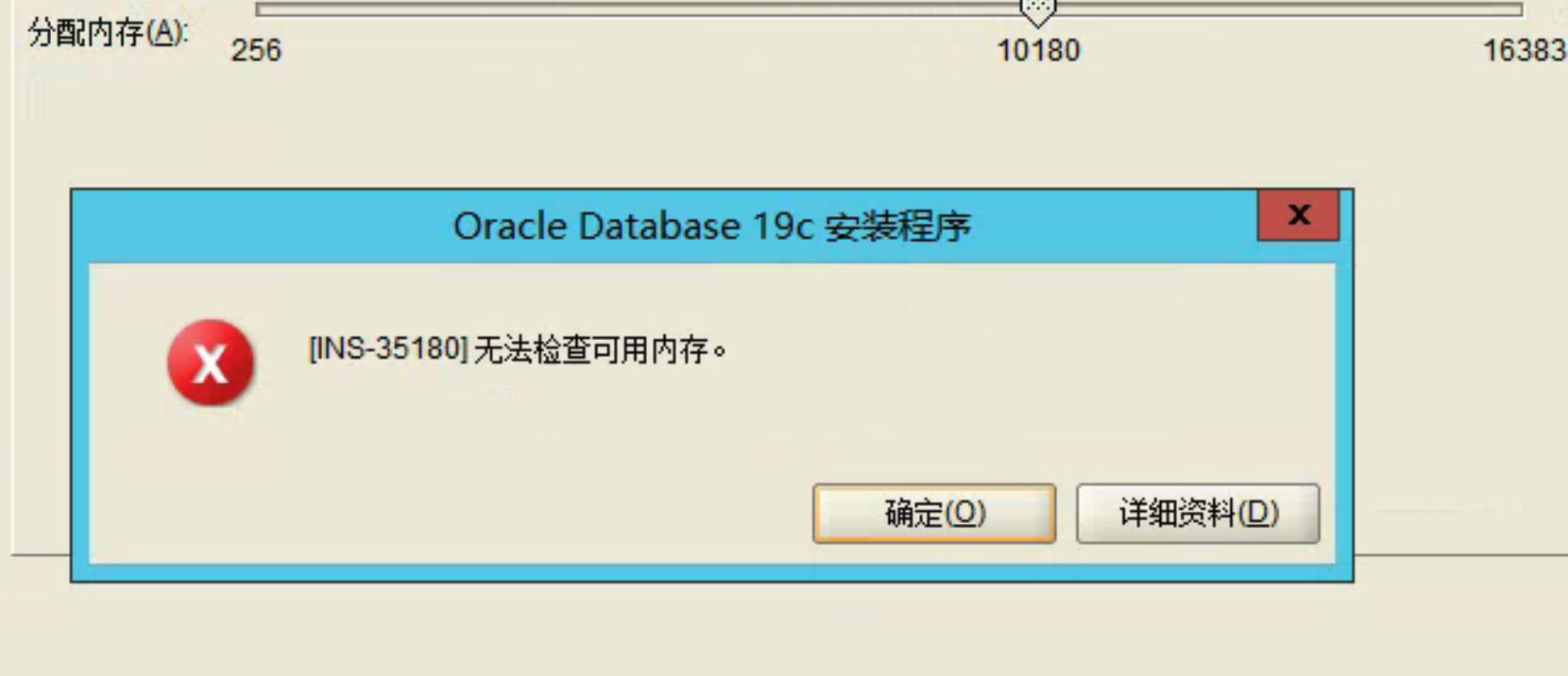
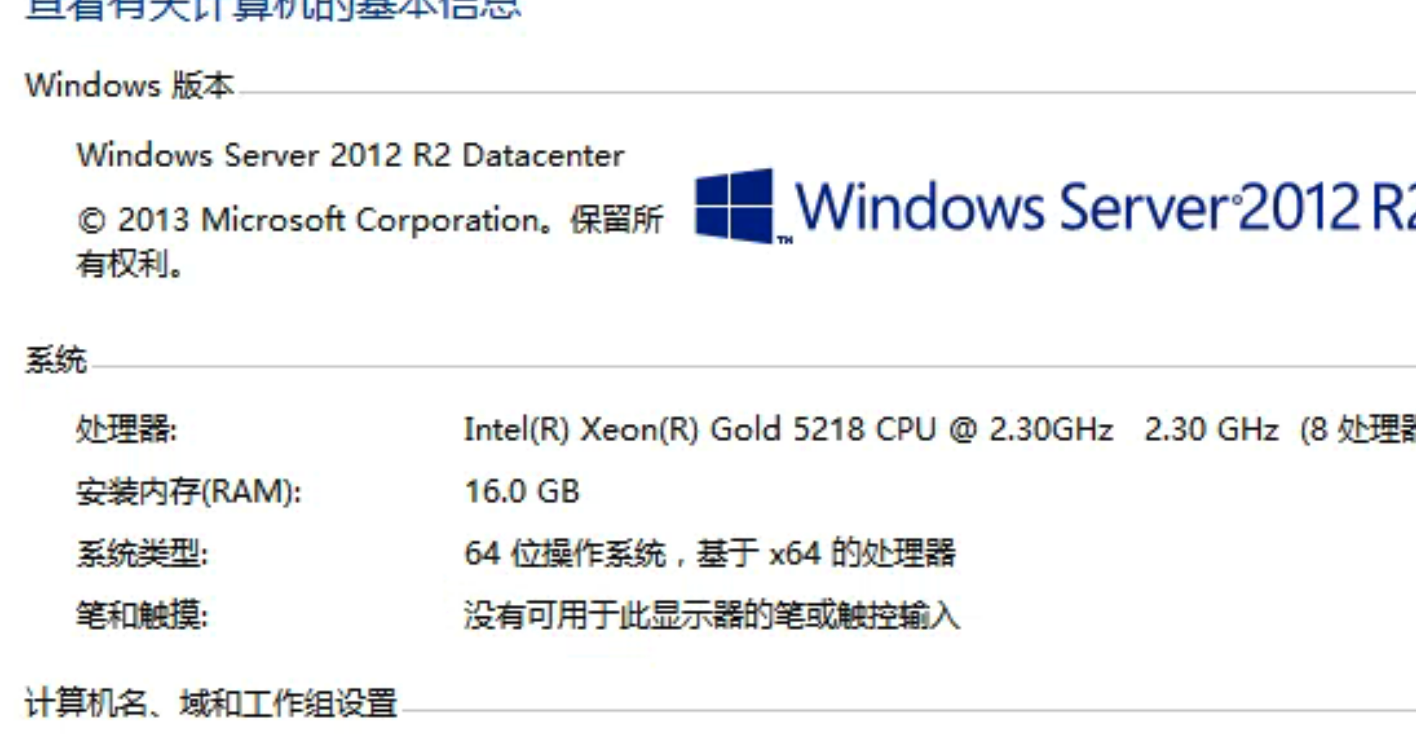

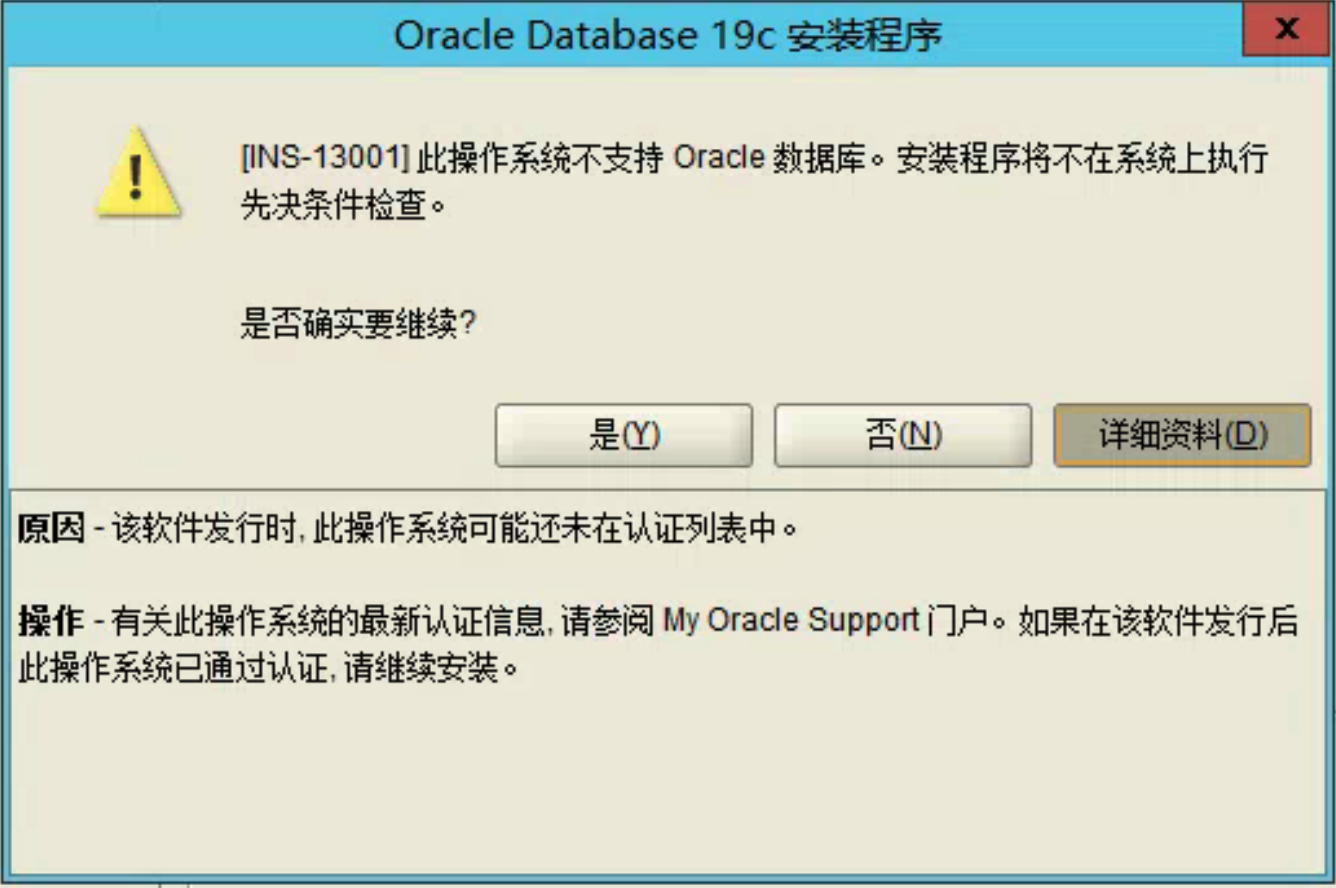
Oracle Database 19C 支持以下Windows操作系统:
-
Windows 8.1 x64 - Pro and Enterprise editions
-
Windows 10 x64 - Pro, Enterprise, and Education editions
-
Windows Server 2012 R2 x64 - Standard, Datacenter, Essentials, and Foundation editions
-
Windows Server 2016 x64 - Standard, Datacenter, and Essentials editions
-
Windows Server 2019 x64 - Standard, Datacenter, and Essentials editions
你的是支持的,在运行安装程序的时候右键以管理员身份运行试试。
 评论
评论 有用 0
有用 0果断换Linux
评论 有用 0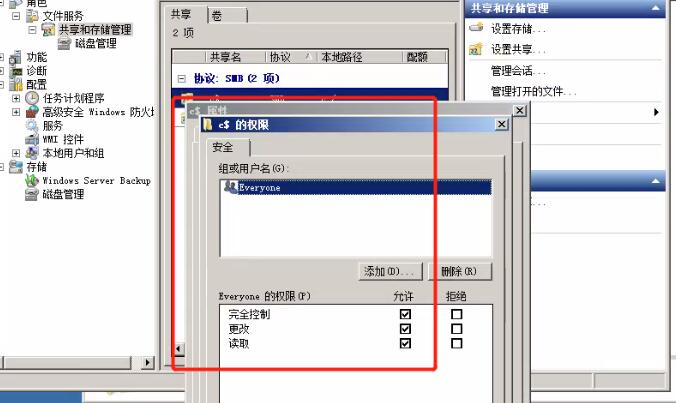
net share c$=c:/ /grant:everyone,full

评论 有用 0附加信息:
Exception details - PRVG-1901 : 无法在节点 “计算机名” 上设置 CVU 远程执行框架目录 “C:\Users\ADMINI~1\AppData\Local\Temp\1\InstallActions2021-08-24_05-20-21PM\CVU_19.0.0.0.0_Administrator”
请为框架选择其他工作区
计算机名 : PRKN-1014 : 无法在节点 “计算机名” 上执行远程命令
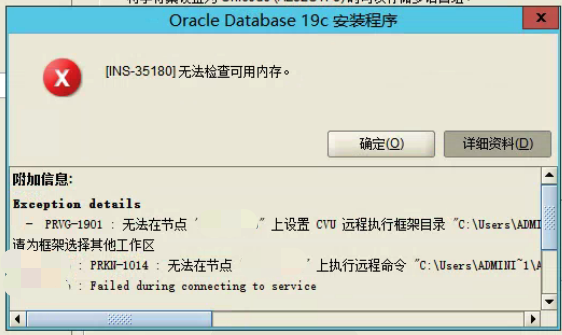
评论 有用 0根据 Doc ID 2760000.1来看,win10或者2019上有个类似的bug(30421194);不清楚2012会不会有。官方给的修复建议是:
Issue was fixed in 19.3.1 version of ODAC x64 OUI release. So, downloaded the new version of ODAC x64 19.3.1.
可以试试windows 2016版本;windows折腾确实比较费劲。
DIAGNOSTIC ANALYSIS:

This problem can reproduces when installing ODAC193_x64.zip on Windows 10.
It seems that the problem doesn't occur on Windows Server 2016.

In addition, when installing ODAC183_x64.zip or Full Client 19.3.0.0.0
(which seems not to use OracleRemExecServiceV2) instead of ODAC193_x64.zip,
the problem doesn't occur.
Although we tried to the following operations, either of them doen't work
for this issue.

- Add permission to %TEMP% directory with 'Everyone, Full Control'
- Run OUI with the following arguments:

  setup.exe -ignorePrereq
 墨值悬赏
墨值悬赏